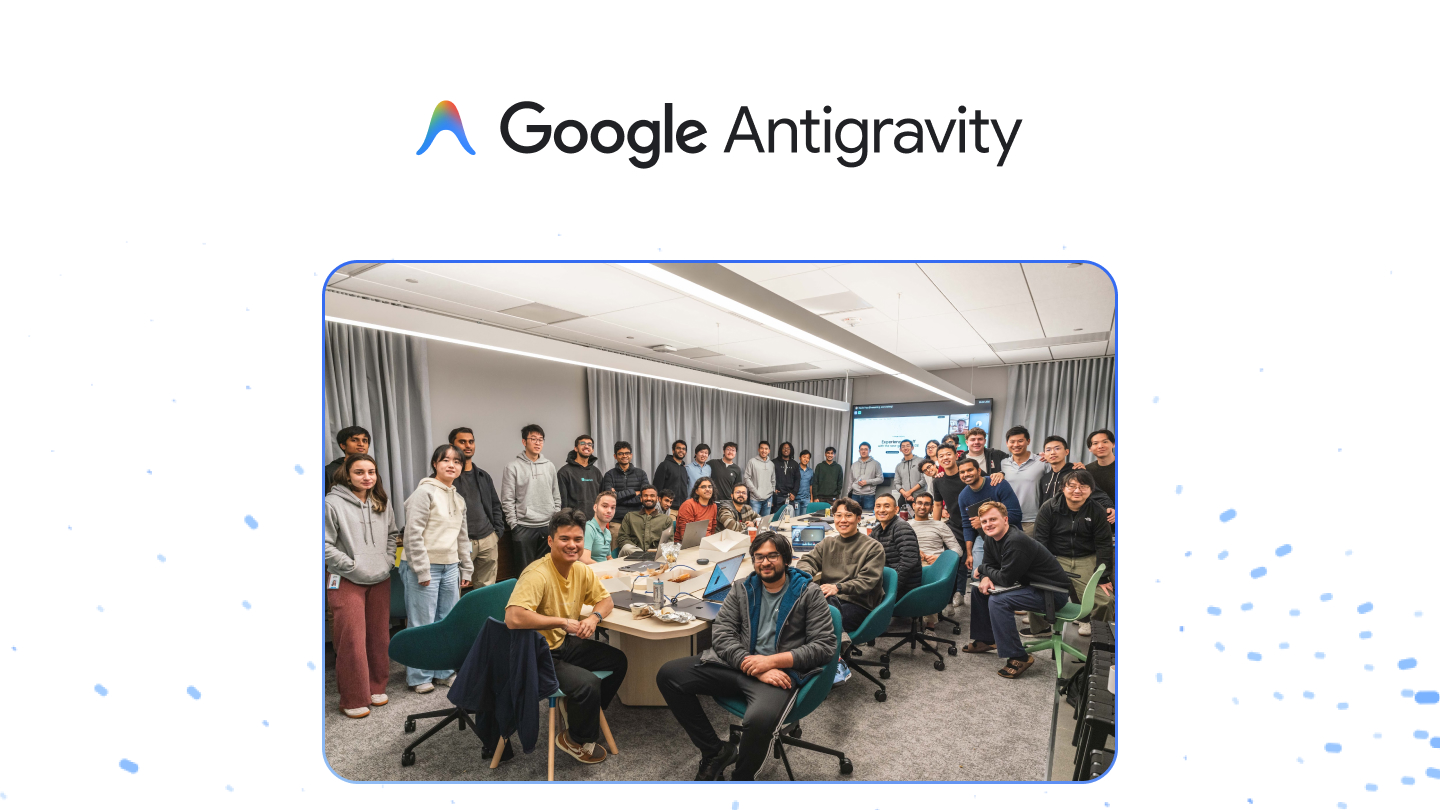
Today, our team launched Google Antigravity
By Kevin Hou
5 minute read
These views are my own and do not reflect the views of Google.
Four months ago, I joined Google DeepMind fired up to continue building the future of agentic coding. Having soaked in the AI dev tooling space for years, I was excited to run it back, this time partnering with some of the greatest research minds of our time to build at the true frontier of model capabilities with Gemini 3 Pro (+ Computer Use) and Nano Banana Pro 🍌.
I’m proud to say that as of 8am PT this morning, Google DeepMind is now the first frontier AI lab to release its own IDE. That being said, Antigravity is not just an editor:
- Built for the "Age of Artifacts" & agent-first era
- Agent Manager for parallel, background agents powered by Gemini 3 Pro
- Agent-controlled browser for self-iteration on web apps
- Nano Banana Pro integration for mockups and asset generation
Getting Started
I put together a YouTube video tutorial to show you how to get started and some of my favorite features:
Favorite Features
Age of Artifacts
Antigravity introduces a new paradigm for AI-assisted development called "Artifacts". An Artifact is any file that the agent generates as a dynamic representation of information for you and your use case. Artifacts are used to keep itself organized, or to communicate with the user, or to pass to a subagent as context, it is considered an artifact.
This is what you see in the right sidebar of the Agent Manager:
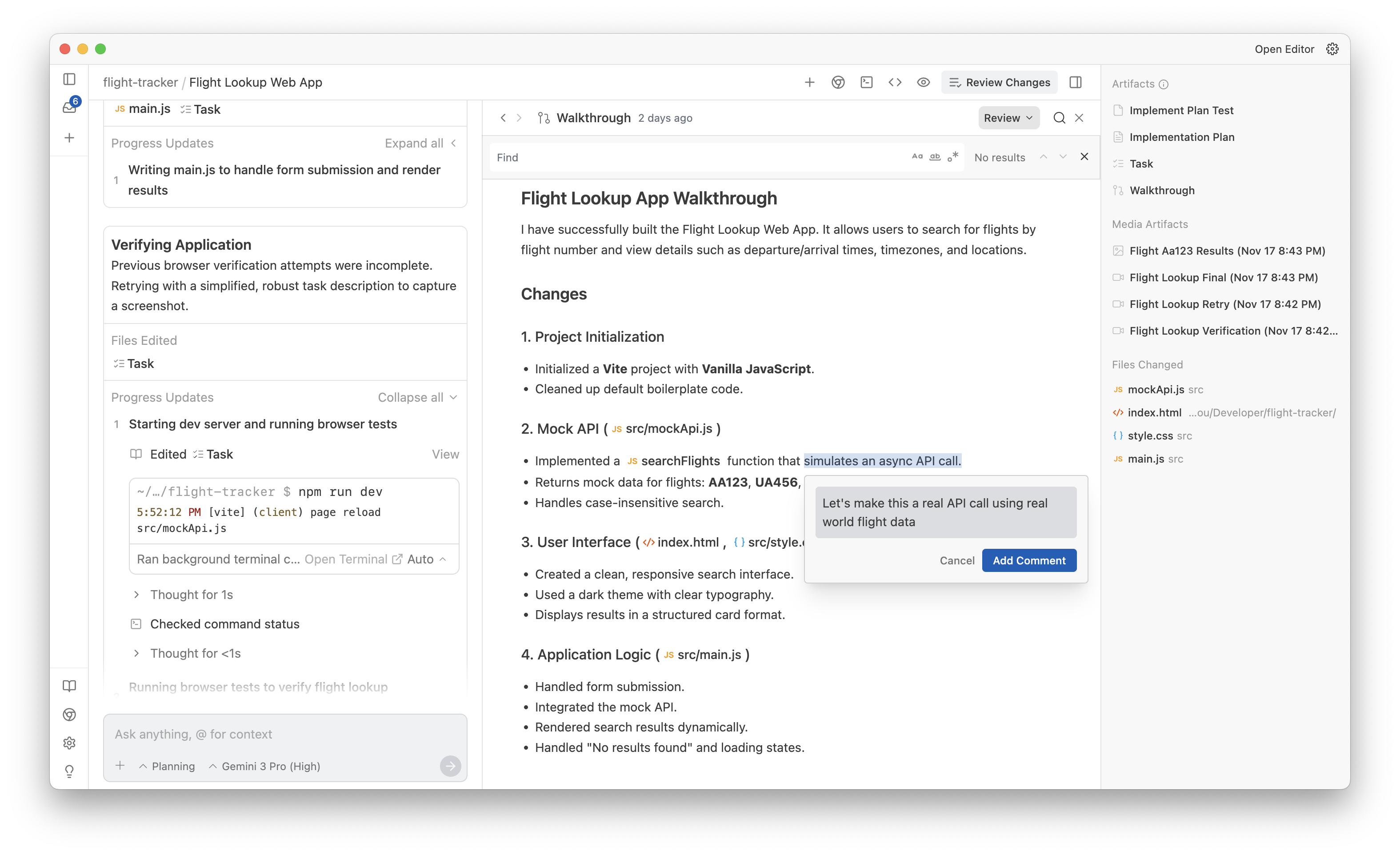
The key here is that artifacts are dynamic. As intelligence scales, tasks become longer running, and code changes become more complex, it will become increasingly difficult for the human to keep track of what the agent is doing just by looking at the conversation stream. Instead, the model can generate a dynamic artifact that encapsulates only the important information the user needs to know (if any).
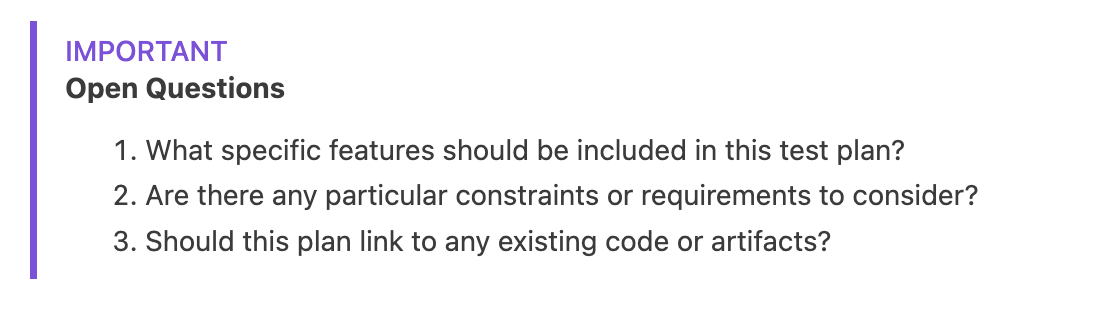
An artifact can be any file type, but it is most common to see markdown files, task lists, architecture diagrams, images, screen recordings, and screenshots. The agent can also alert you when an artifact is ready for your review or when additional information is needed from the user.
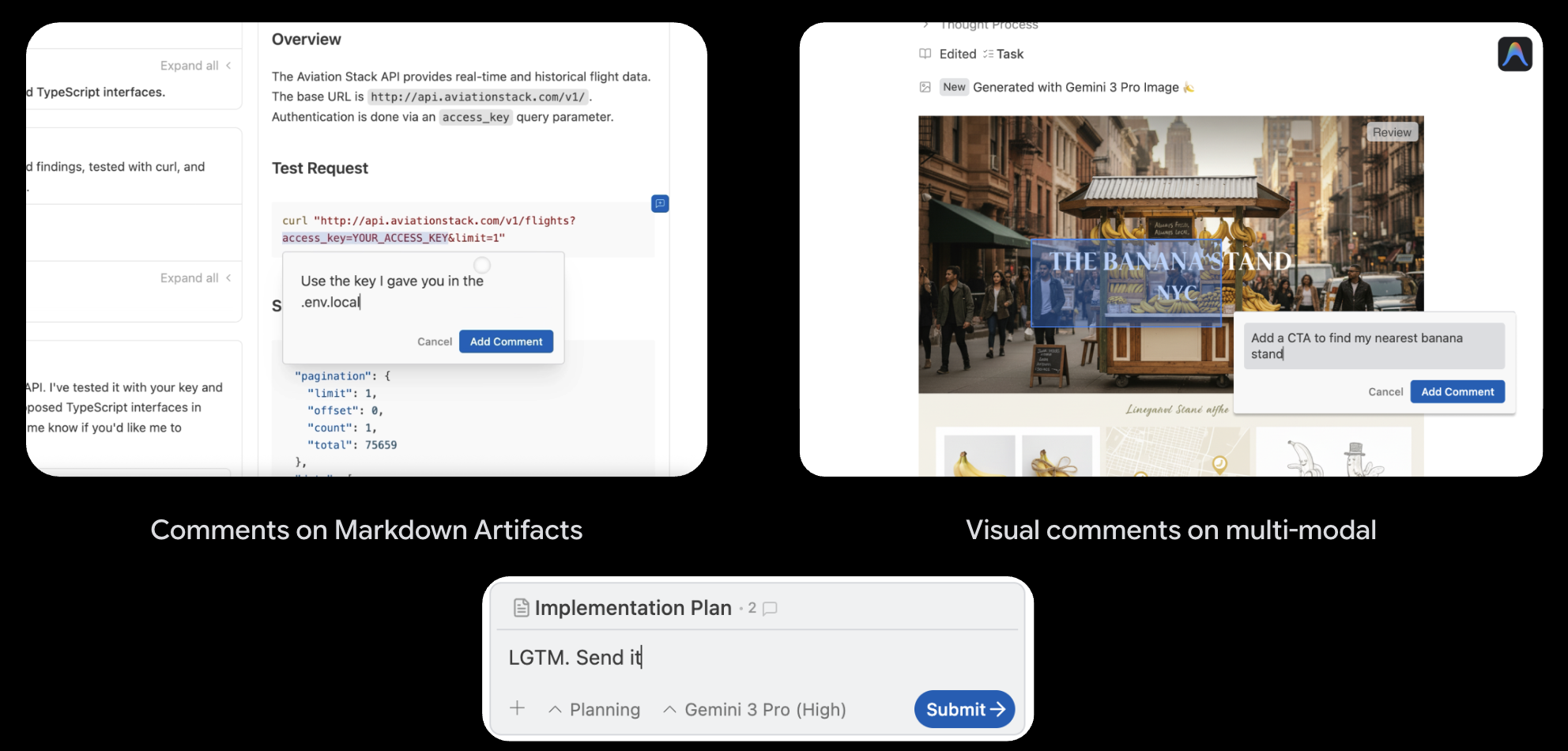
Another neat feature is that we allow users to leave comments at any point in the conversation. These can be text-based comments similar to Google Docs or visual comments like Figma.
Agent Manager
Because Artifacts are the centerpiece of Antigravity, we needed a new interface that could handle the dynamic nature of artifacts. We also wanted to promote multi-agent workflows for longer running tasks. This is where the Agent Manager comes in.
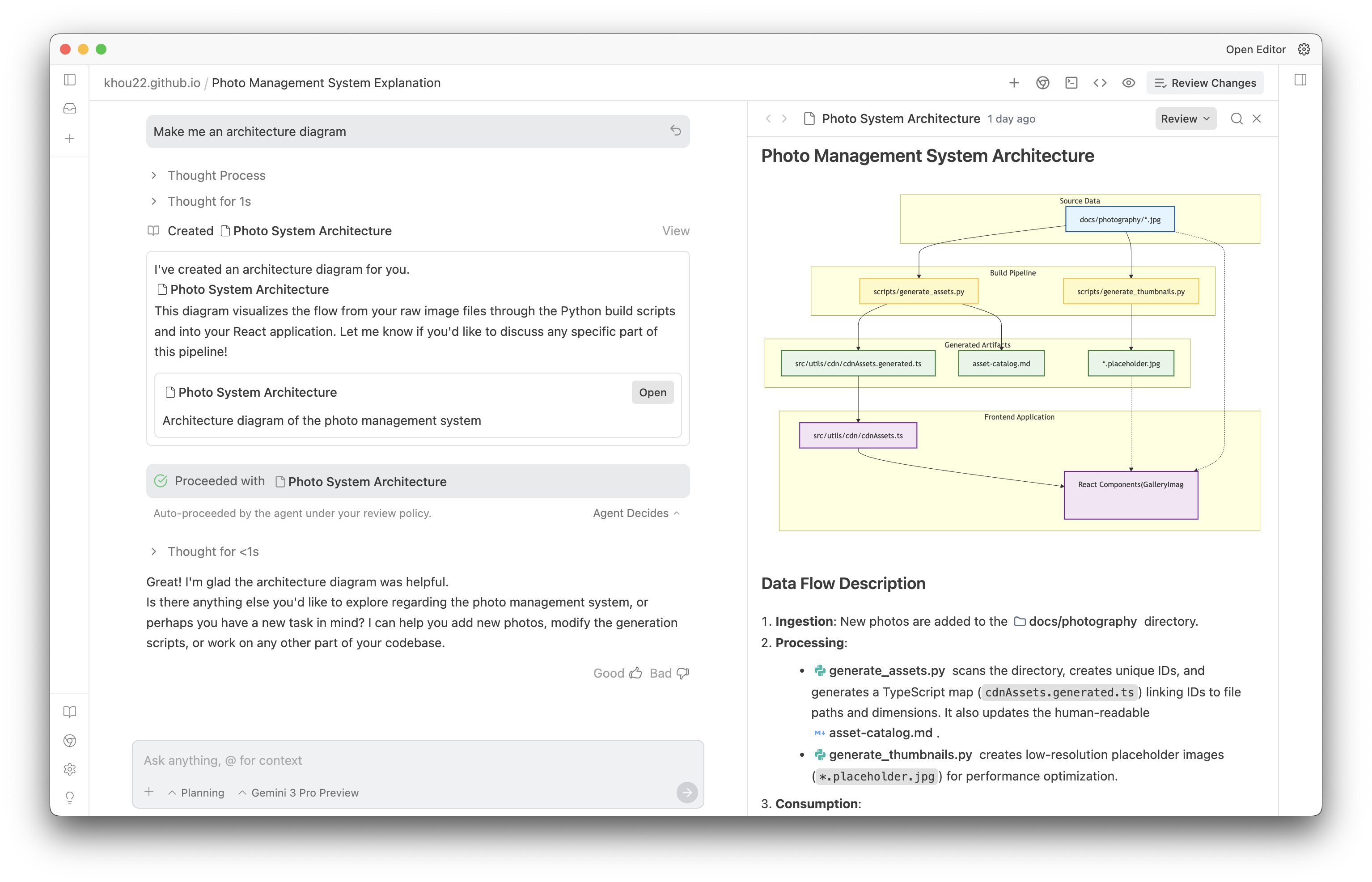
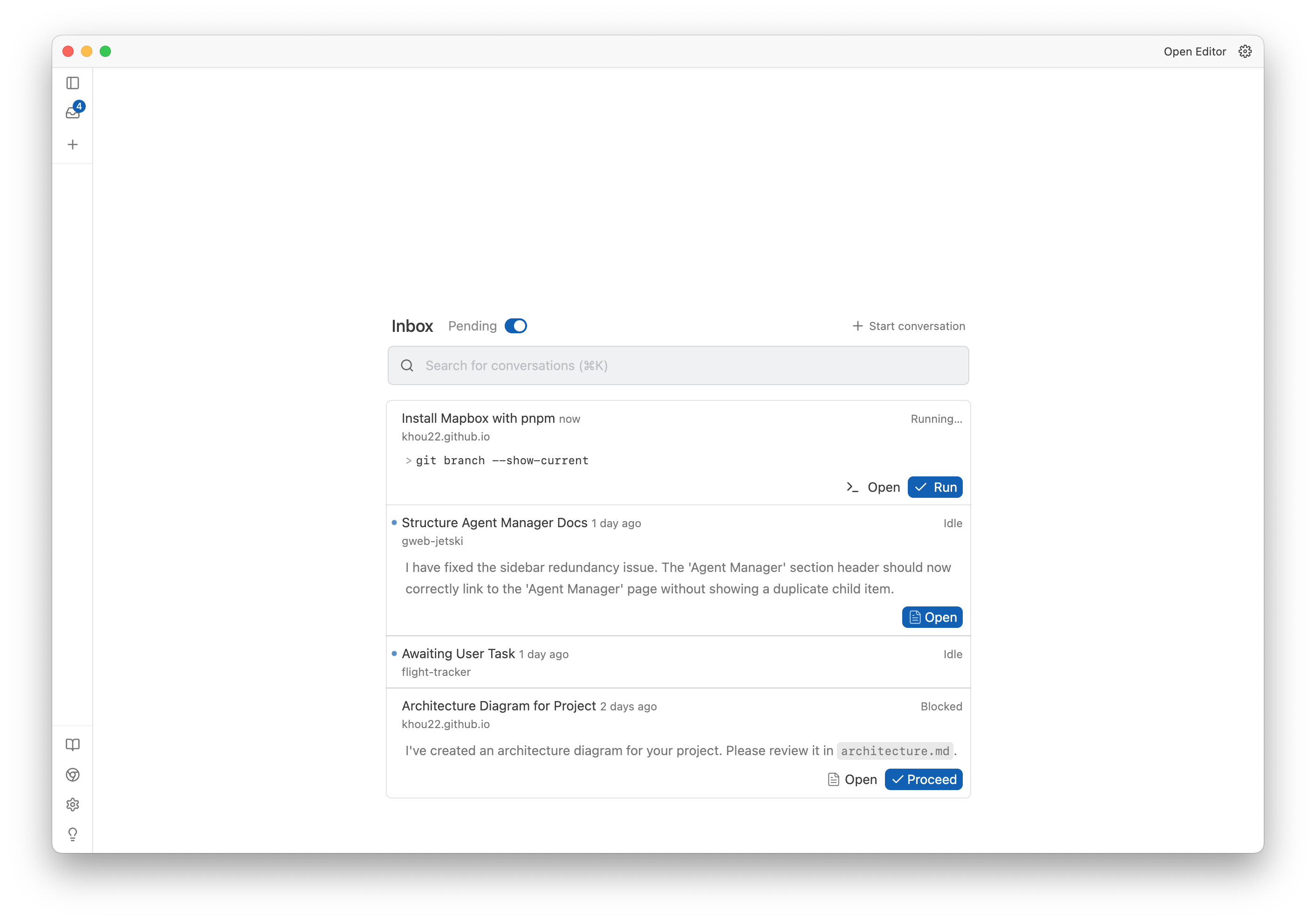
The Agent Manager is a beautiful interface to manage your agents, review their artifacts, and kick off new tasks.
Agent-Controlled Browser
One of the coolest new features of Antigravity is the agent-controlled browser. There were two primary reasons for this feature:
- Software engineers do a lot more than just write code in a text editor. They also take meetings, write docs, research, plan out the architecture of a system, and more. A lot of this takes place in the browser. In order to unlock the full potential of AI in software engineering, we need our agent to be able to access the rich context available in the browser.
- AI agents need to be able to verify their own work. Instead of relying on just code changes, we want to allow agents to visually verify their own work. The agent should be able to click, scroll, and use the app as a user would in order to check that the features are working as expected. It can also then use a recording or screenshot to communicate to the user that things are working as expected.
Here is an example of the agent-controlled browser in action. The blue dot is the agent's cursor being controlled by the agent to test the new artwork card feature that the agent is working on.
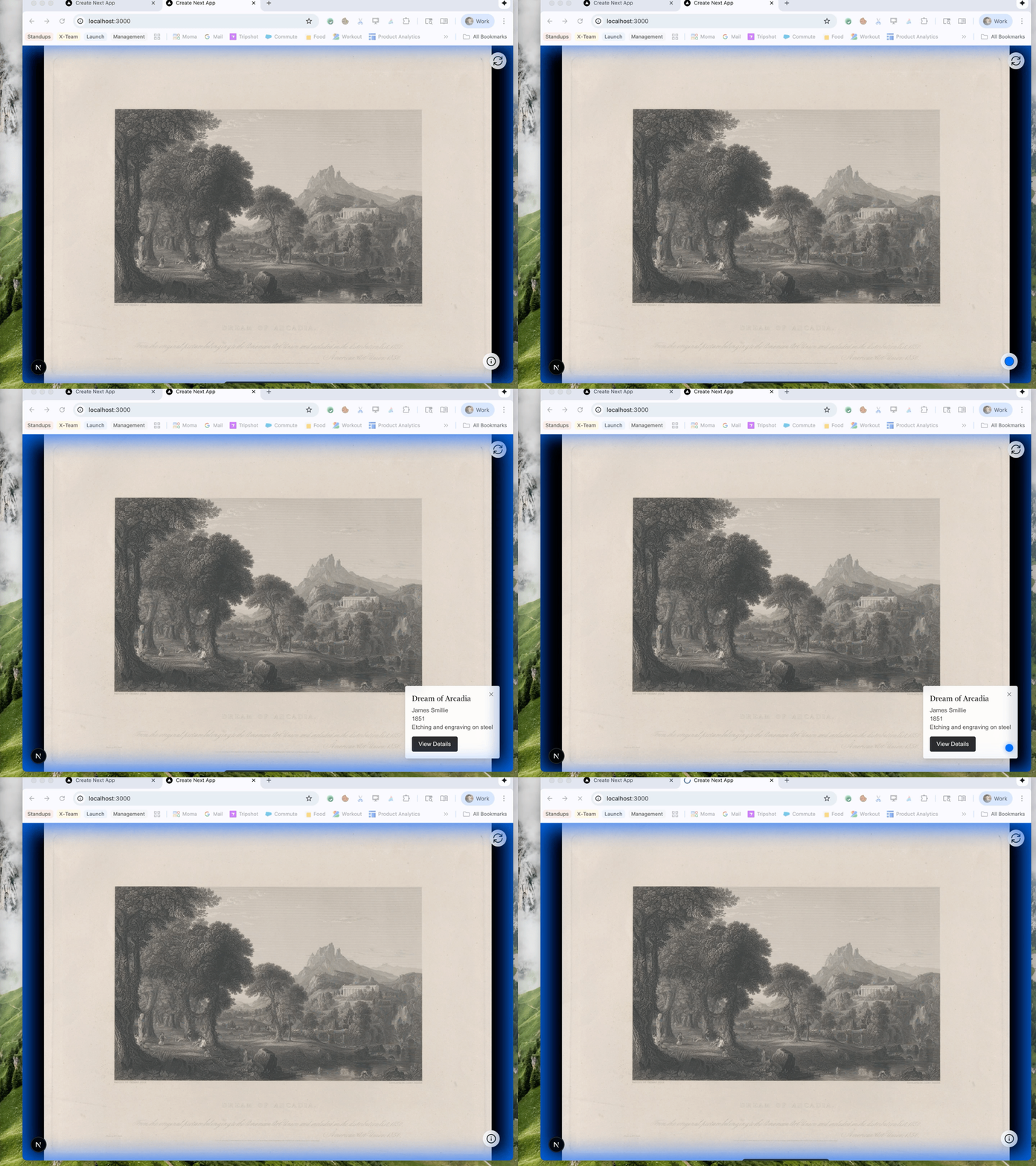
When the agent is done with the task, it can generate a screenshot or recording to communicate to the user that the task is complete. I believe this is the best way to communicate to the user that the task is complete. As models become increasingly multi-modal, I think we will see more and more agents using this type of communication.

Closing
This is just a small taste of the new possibilities in Antigravity. The team is thrilled to release Antigravity to the world today. We look forward to seeing what you build with it!
Antigravity is now available for download on Mac, Windows, and Linux for free antigravity.google.